Rermius Logo

Rermius

Modern SSH Terminal Manager

Free & Open Source Encrypted & Secure

Powerful desktop application combining SSH connectivity, terminal sessions, and file transfers in a beautiful unified interface

Detected OS: Detecting...
View on GitHub Loading...
Powerful Features

Everything you need for managing SSH connections and remote servers

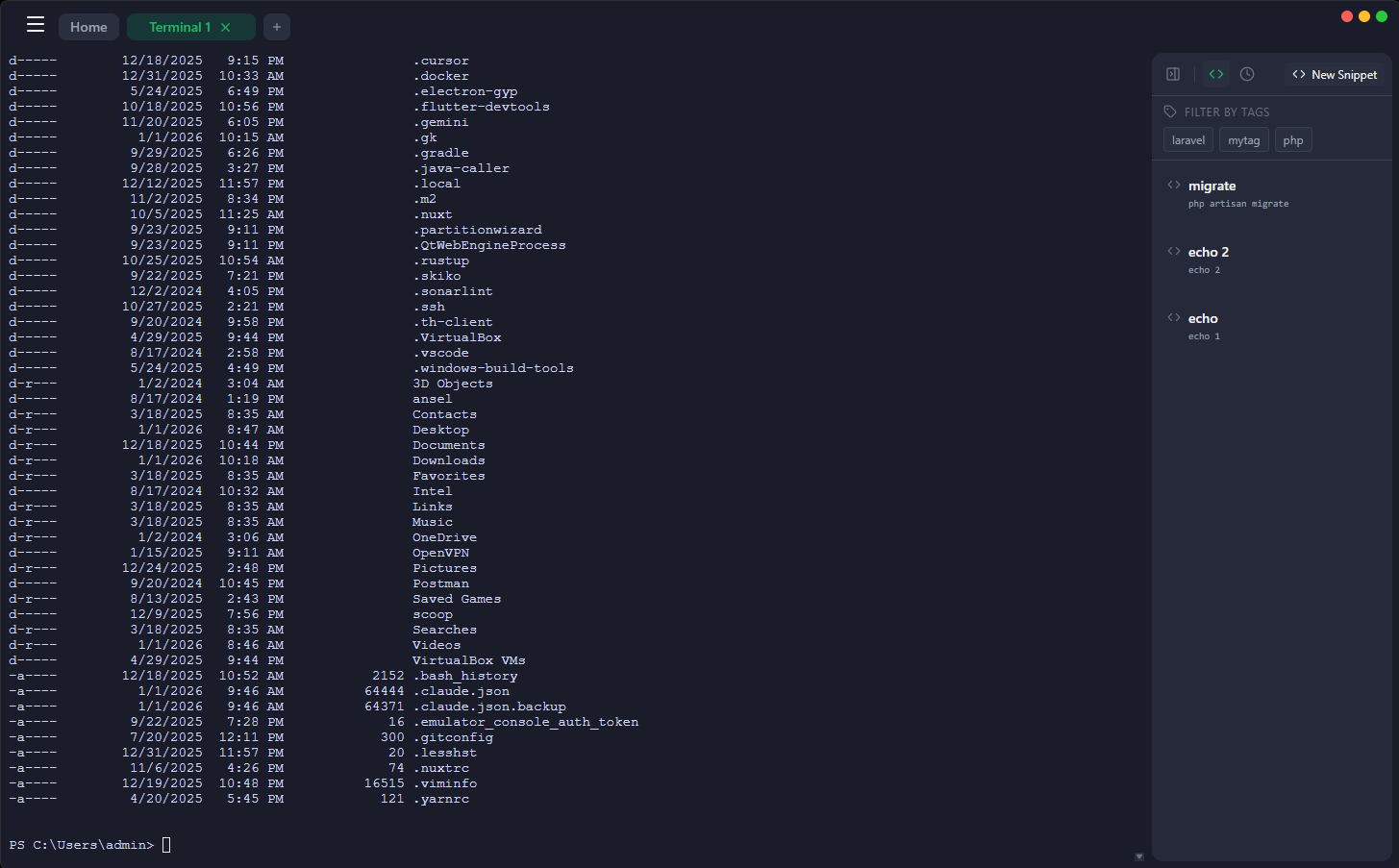
Multiple Terminal Sessions

Manage multiple terminal sessions with drag-and-drop tab management. Switch between local and remote terminals seamlessly.

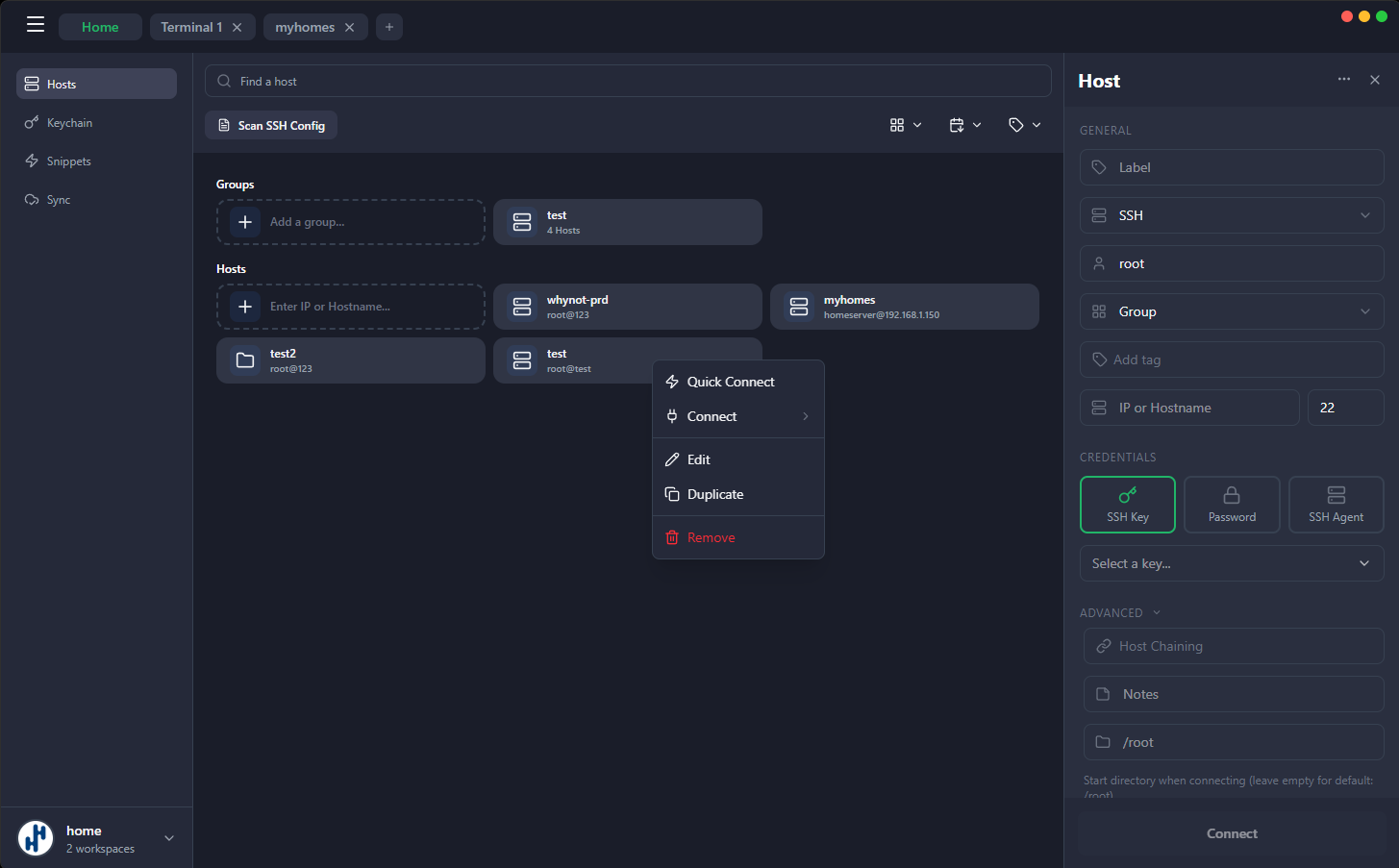
SSH Host Management

Organize hosts with groups, color coding, and quick connections. Import from ~/.ssh/config with one click.

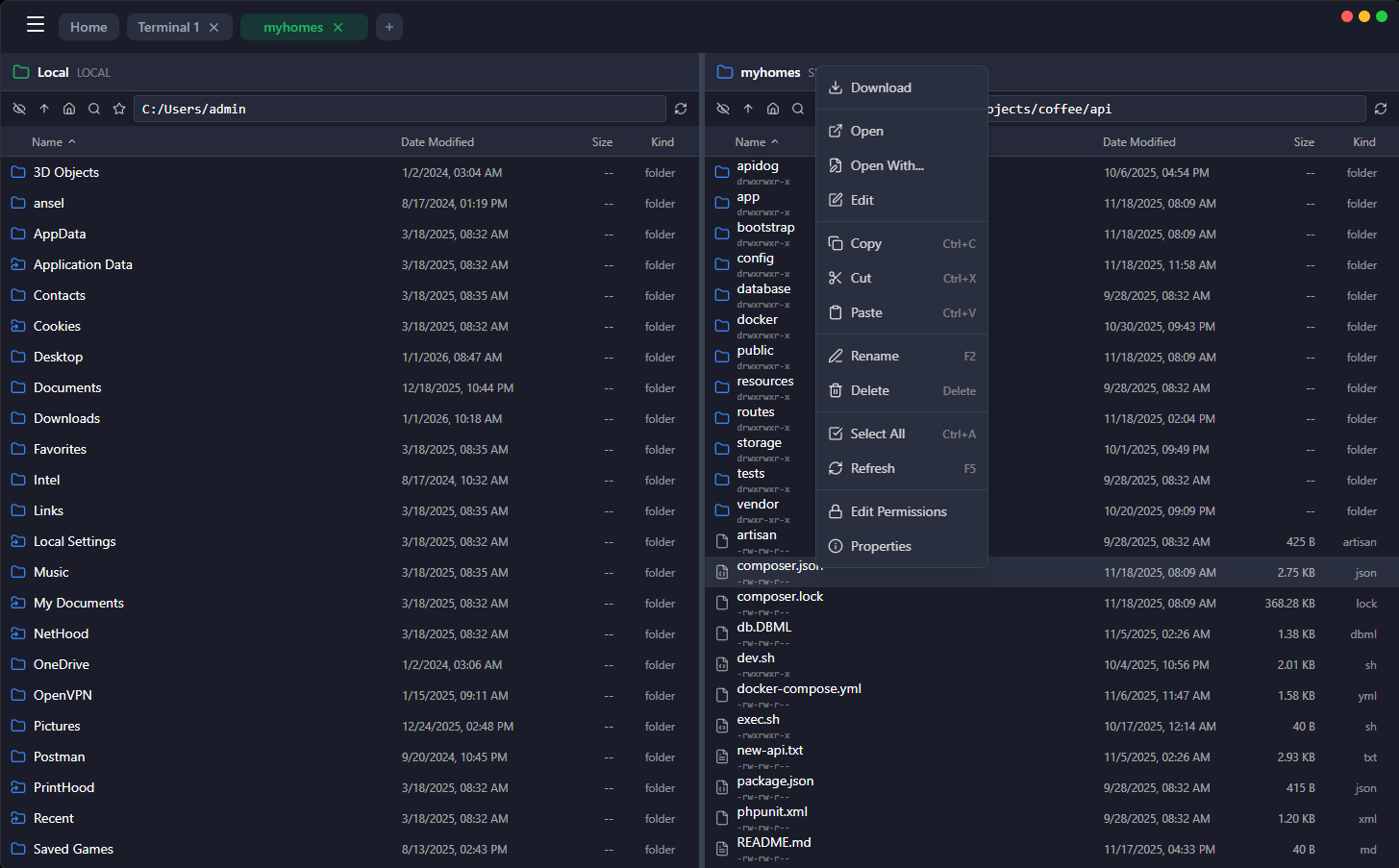
Integrated SFTP/FTP Browser

Browse, upload, and download files via SFTP/FTP alongside your terminals with drag-and-drop support and progress tracking.

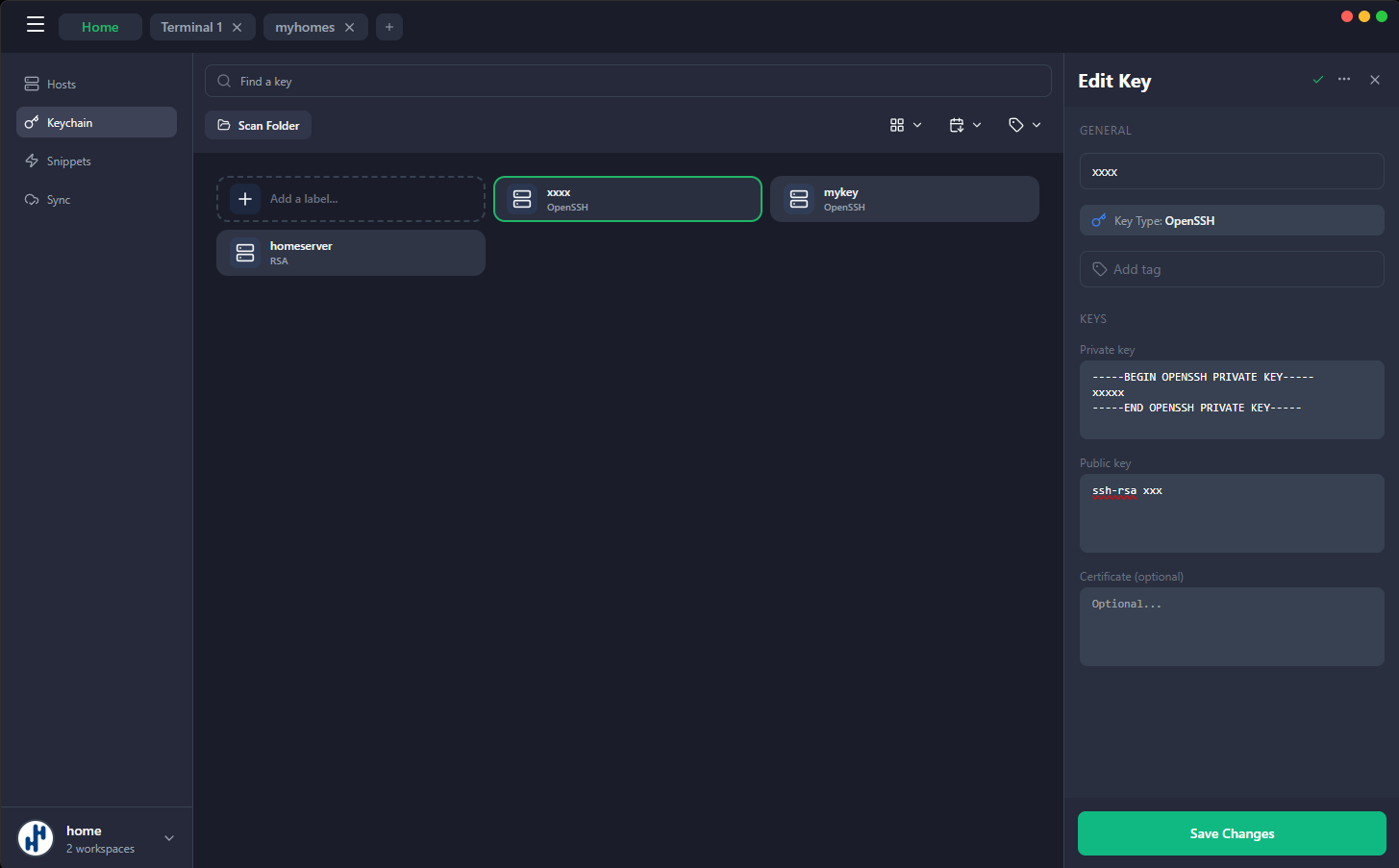
SSH Keychain

Import, organize, and manage SSH keys (RSA, Ed25519, ECDSA) with secure passphrase support and encrypted storage.

Port Forwarding

Configure local, remote, and dynamic (SOCKS) port forwarding with an intuitive interface. Perfect for secure tunneling.

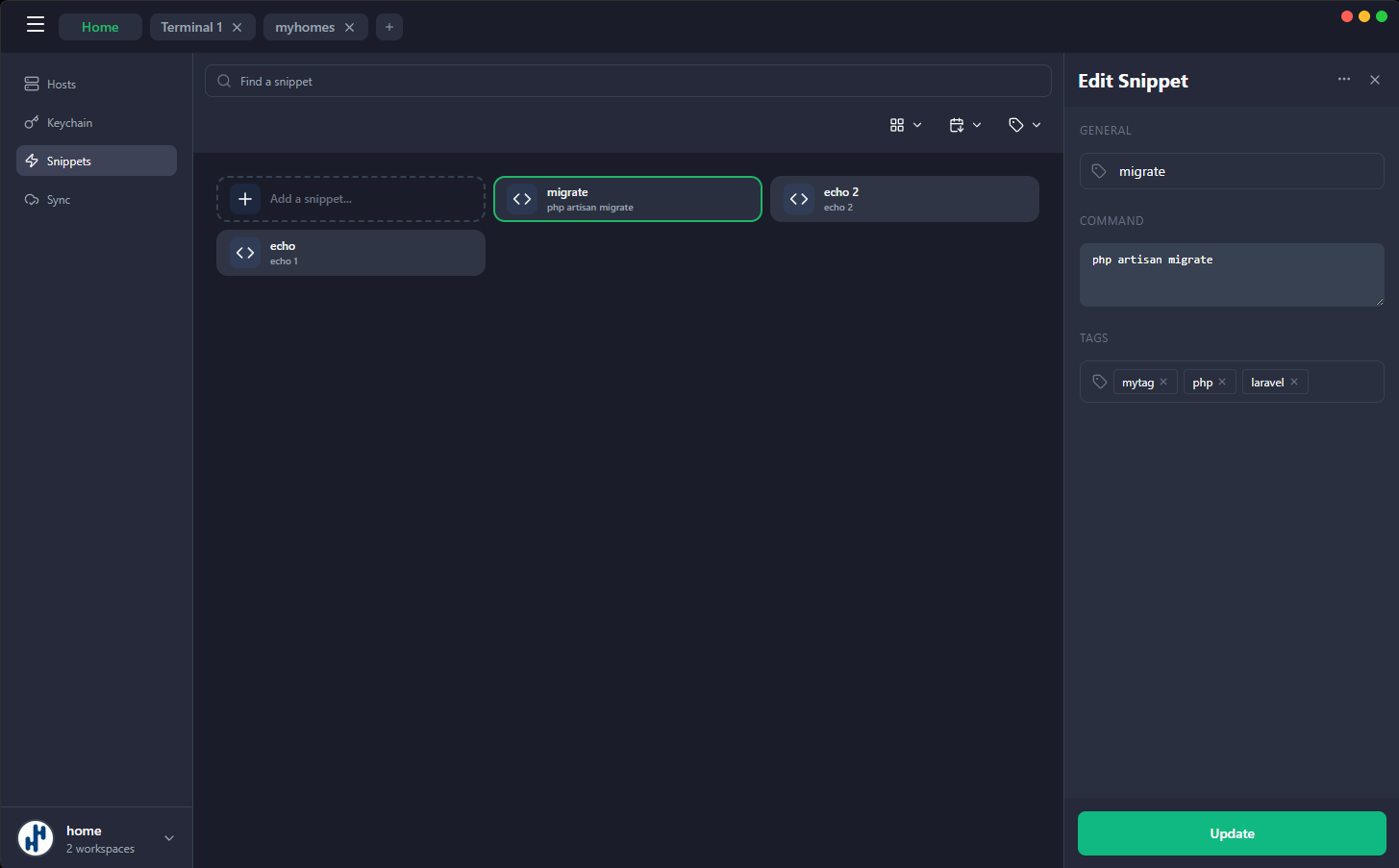
Command Snippets

Save and reuse frequently used commands. Organize snippets by category and quickly insert them into any terminal session.

Multi-Workspace Support

Organize connections by project or team. Switch between workspaces to keep your SSH hosts and terminals organized.

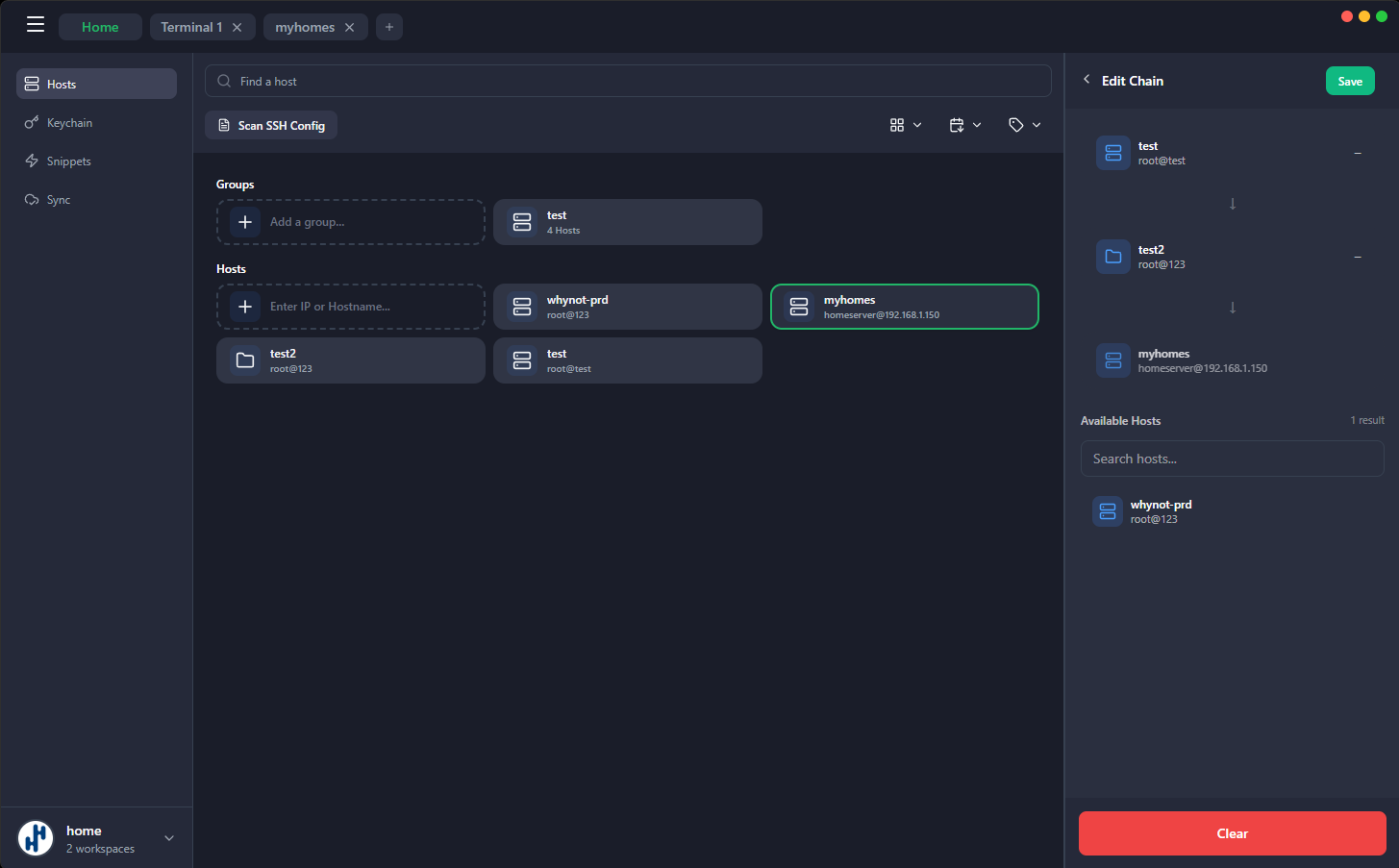
ProxyJump Chaining

Connect through multiple jump hosts easily. Configure complex SSH tunneling scenarios with a simple interface.

Encrypted Sync to GitHub

Safely sync your SSH hosts, keys, and settings to GitHub with end-to-end encryption. Customize sync options and keep your data secure across devices.

Built with Modern Technology

Leveraging cutting-edge tools for performance, security, and cross-platform compatibility

Tauri

Tauri 2

Rust Framework

Svelte

SvelteKit 5

Frontend

Rust

Rust

Backend

xterm.js

xterm.js 6

Terminal

Tailwind CSS

Tailwind CSS 4

Styling

SSH

russh

SSH Protocol

Tokio

tokio

Async Runtime

WebGL

WebGL

Acceleration

Installation

Get started in minutes on Windows, macOS, or Linux

Windows Installation

  1. 1 Download the NSIS installer from the releases page
  2. 2 Run the installer and follow the setup wizard
  3. 3 Launch Rermius from the Start Menu or Desktop shortcut
Download for Windows

Windows SmartScreen

If Windows SmartScreen blocks the installer, click "More info" → "Run anyway" to proceed with installation.

macOS Installation

  1. 1 Download the DMG file from the releases page
  2. 2 Open the DMG and drag Rermius to your Applications folder
  3. 3 Launch Rermius from Applications or Spotlight
Download for macOS

Or install via Homebrew:

brew tap rermius/rermius-homebrew
brew install --cask rermius

Unsigned Application

This app is not signed. If macOS blocks it, run this command:

sudo xattr -rd com.apple.quarantine /Applications/Rermius.app

Or right-click the app → Open → Open to bypass Gatekeeper

Linux Installation

  1. 1 Download the AppImage, .deb, or .rpm package
  2. 2 Make the AppImage executable or install the package
  3. 3 Launch Rermius from your application menu
Download for Linux

AppImage:

chmod +x Rermius.AppImage
./Rermius.AppImage

Debian/Ubuntu:

sudo dpkg -i rermius.deb

Open Source & Community Driven

Rermius is MIT licensed and built in the open. Contribute, report issues, or star the project on GitHub.